User guide
How to study with Yaaddi, step by step.
Your first lesson
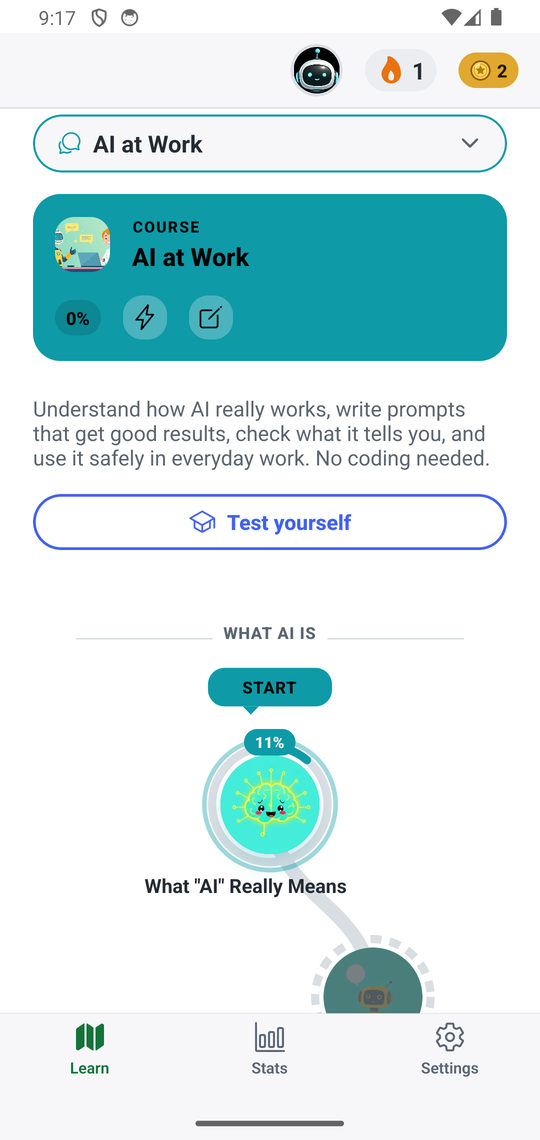
Yaaddi has three tabs along the bottom: Learn, Stats and Settings. Learn starts on your list of courses. Tap a course to see its path: the decks run in order, and the Start marker shows where to continue. Tap a deck to begin a lesson.
Find and install courses
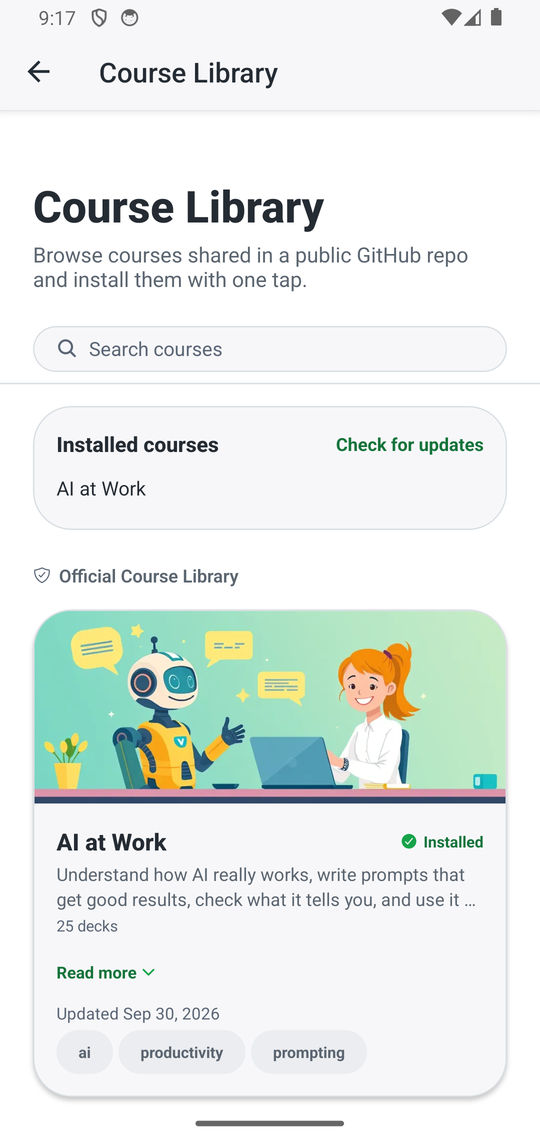
On the Learn tab, tap the shop icon to open the Course Library. Search, pick a course and tap Install. The Library needs internet; installed courses work offline. Use Check for updates to get newer versions of the courses you have. Details are on the course install and update page.
Your course list
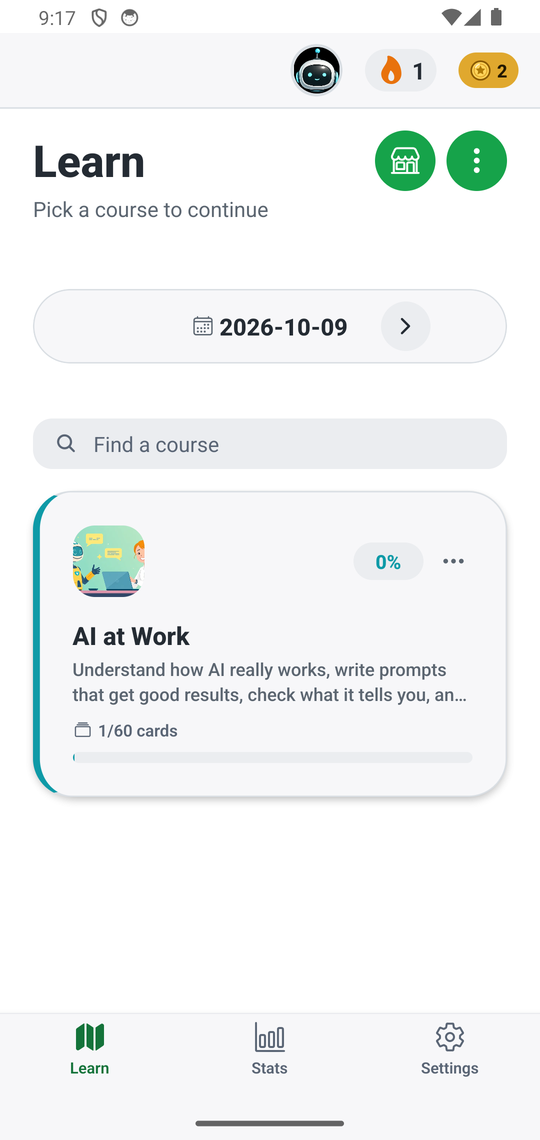
Every installed course is listed on the Learn tab. Use Find a course to search, and the three-dot menu on a course for more actions.
How reviews work
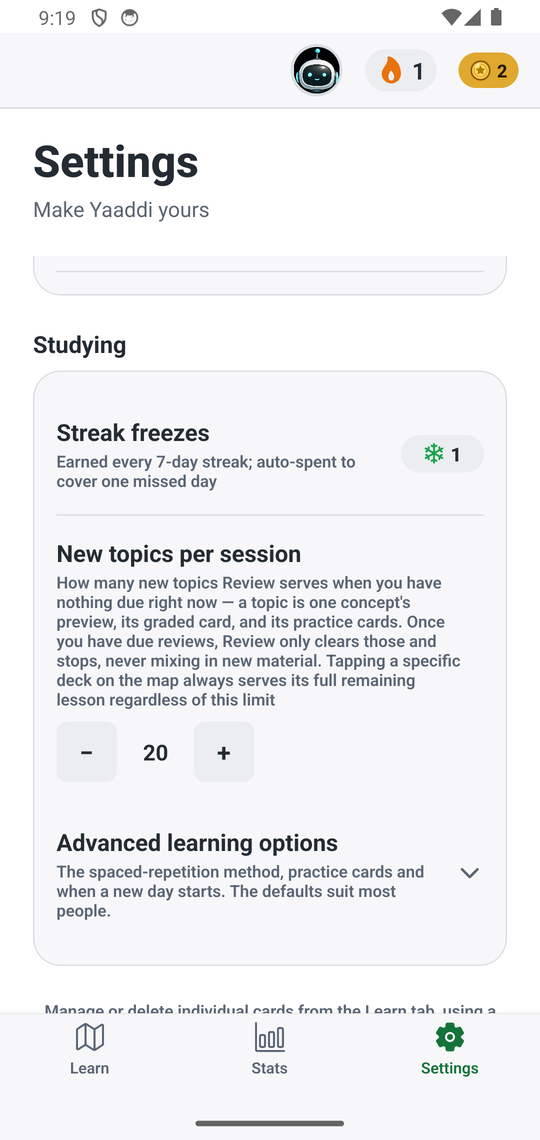
Yaaddi uses spaced repetition: a card you know well comes back after a longer gap, and a card you miss comes back sooner. You do not schedule anything; the app decides what is due. Five scheduling methods are built in (SM-2, Fibonacci, FSRS, ACT-R and HLR). The default suits most people; change it under Settings → Studying → Advanced learning options.
New topics per session limits how many new topics a review session adds when nothing is due.
Coins, levels and streaks
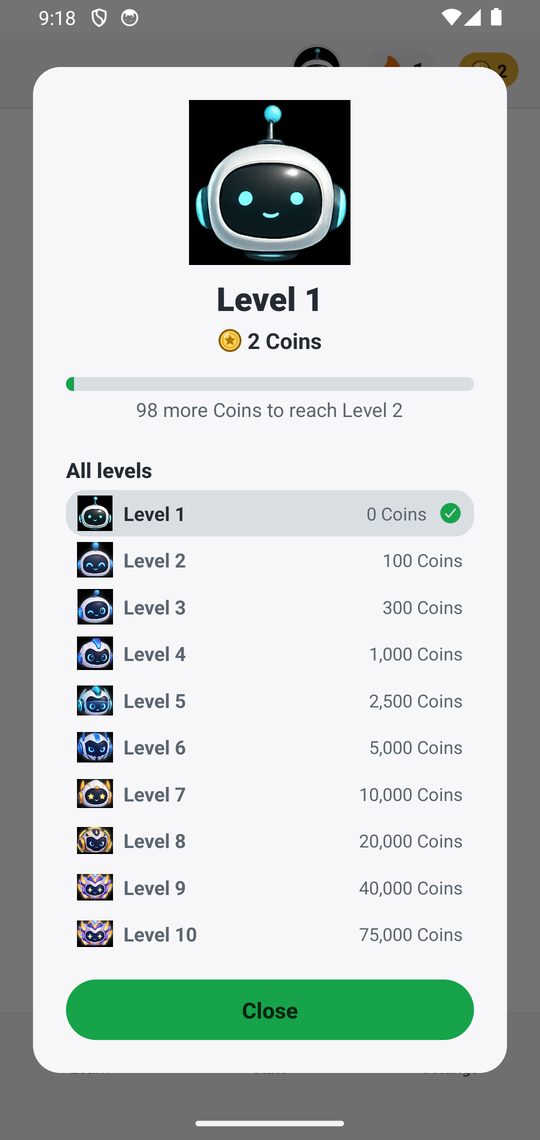
You earn a Coin for every correct answer. Coins only go up: a wrong answer or a missed day never takes any away. Tap your level picture at the top to see your level and how many Coins the next one needs. The flame is your study streak; every 7-day streak earns a streak freeze that covers one missed day automatically.
Check your progress
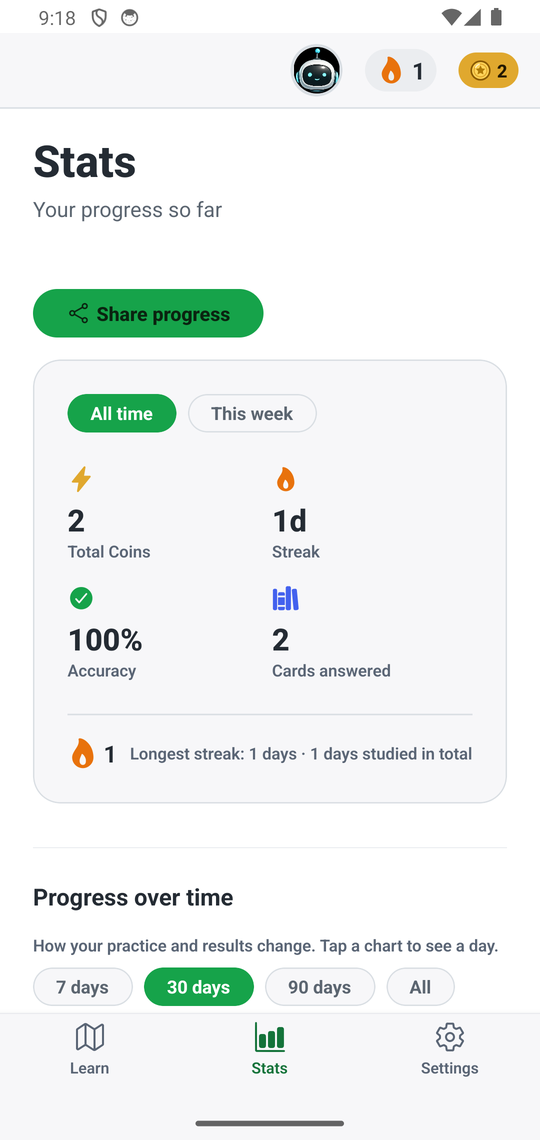
The Stats tab shows a calendar of the days you studied, plus totals, accuracy and charts over time. Tap Share progress to send a progress card to a friend.
Test yourself
On a course's path, Test yourself starts an exam for that course.
Make it yours
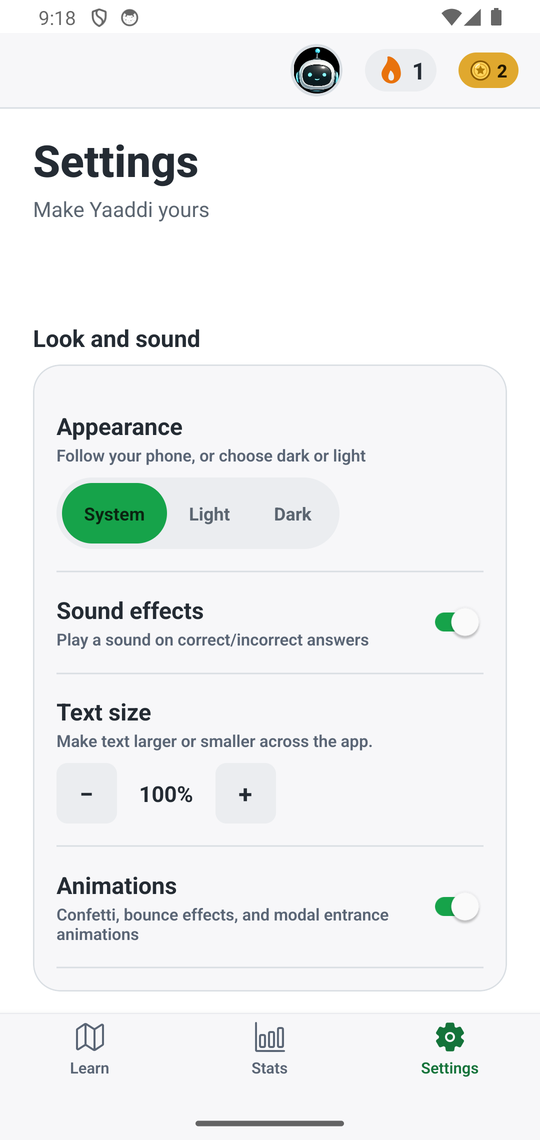
In Settings you can choose light, dark or system appearance, turn sound effects and animations on or off, change the text size, and set a daily study reminder. Reminders stay on your phone.
Checked against Yaaddi 1.1.0 on 2026-10-09.